


Research moves fast, and the tools supporting it should too. These updates address some of the most time-consuming parts of the literature workflow, and introduce capabilities that make your existing Article Galaxy library more powerful than it was before.
NEW LAUNCH
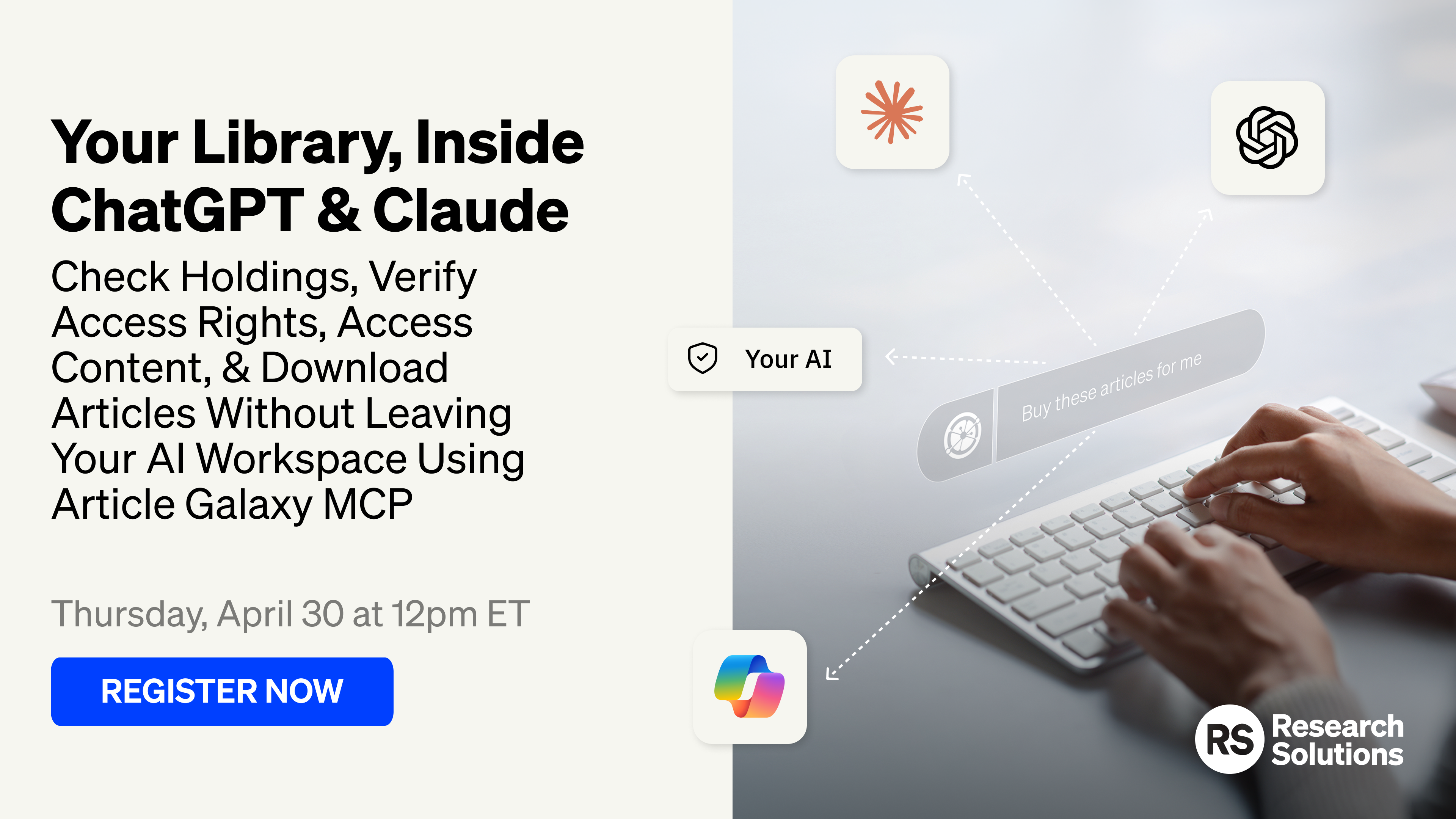
Article Galaxy MCP: Your Literature Library, Now Inside Your AI
Researchers have long worked with two disconnected systems: a licensed literature library on one side, and an AI assistant on the other. Article Galaxy MCP closes that gap. Using the Model Context Protocol (MCP) standard, it connects your Article Galaxy library directly to ChatGPT, Claude, Microsoft Copilot, Cursor, Claude Code, and any MCP-compatible AI tool, so your entire research workflow can happen in one place.
If your organization already has an Article Galaxy library, there is nothing to migrate or rebuild. Your existing licensed content becomes accessible directly within your AI environment.
Seven Actions, One Continuous Workflow
Article Galaxy MCP supports seven specific actions grouped into four tasks:
- Search & Retrieve: Use search_literature to find peer-reviewed papers and access full text. Use get_full_text to retrieve article content via Smart Citation snippets, organized by section (Introduction, Methods, Results, Discussion). Access rights are automatically checked and respected.
- Check Rights & Reuse: Before surfacing any content, check_rights confirms access status, AI rights pricing, and document delivery options. check_reuse_rights verifies whether an article can be shared, adapted, or incorporated into other outputs, a critical step for compliance-sensitive teams.
- Order Articles: The place_order action handles document delivery, AI rights, combined PDF and AI rights, or rental. Every order requires explicit user confirmation before execution, keeping researchers in control even when the agent is doing the work.
- Track & Download: check_order monitors order status (Sourcing, Completed, or Failed), and get_order_urls retrieves pre-signed download links for PDFs, supplemental materials, or rental viewer access.
The full sequence, search, retrieve, check rights, confirm, order, track, and download, runs within your AI environment from start to finish. Article Galaxy handles all rights and compliance decisions throughout.
Article Galaxy MCP is one of four components in Research Solutions' agentic research toolkit, alongside the Scite API, Scite MCP, and Article Galaxy API. The Scite layer provides upstream intelligence including citation context, paper credibility, and claim-level analysis. Article Galaxy manages document access, acquisition, and rights. Together, they cover the full research intelligence stack.
Article Galaxy MCP is available now. Contact our team to get started.
RIGHTS & LICENSING
Evaluate & Manage Content Rights Faster, At Any Scale
Several updates this period expand how researchers and administrators interact with rights data, from bulk evaluations across large reference sets to AI Rights that now travel with acquired content.
Re-Use Rights Lookups, Now At Scale
The Re-Use Rights interface now supports bulk lookups, so you can evaluate rights across a large set of articles in a single action rather than one at a time. Paste a list of DOIs or PMIDs directly into the interface, or drag and drop reference manager files in RIS, NBIB, or BibTeX format.
Results display in a consolidated view filtered by your account's configured Intended Uses, with clear indicators showing which articles are granted or not granted for each use. From the same screen, you can select eligible articles and move directly to ordering without interrupting the workflow. This is particularly useful for teams managing large reference sets or project-based research, where assessing rights one article at a time is a real time cost.
Search Re-Use Rights By Article Or Journal Title
Re-Use Rights searches now accept article titles and journal names in addition to DOIs and PMIDs. A simple toggle lets you switch between article-level and journal-level search. Journal-level searches prompt for a publication date to ensure accurate rights resolution.
Not everyone has a DOI on hand when evaluating rights, and now you don't need one to get a fast, accurate answer.
Set Your Rights Preferences Once, Apply Them Every Time
You can now define your organization's preferred Re-Use Rights parameters once within the platform, and those preferences will automatically shape how rights search results are presented going forward. Rather than re-applying filters each session, the platform remembers your intended use and surfaces the most relevant outcomes by default. This capability was previously limited to a single enterprise account and is now available to all customers who license the Re-Use Rights product.
Token Purchases Can Now Include AI Rights Automatically
If your organization acquires articles through token packages, those articles can now include AI Rights at the time of purchase, without a separate request or additional step. When the setting is enabled and your account has Publisher Agreements for AI Rights, the platform handles the rights grant automatically and indicates clearly when a token-acquired article includes them.
Those rights persist with the article throughout the platform, including in the PDF Library and the Re-Use Rights interface, so your rights information stays accurate wherever you access the content. When publisher-level AI Rights are already available through your account configuration, the system applies those automatically.
Free To Read Visibility For Open Access Content
When an article is identified as Free To Read (typically Bronze Open Access content hosted on a publisher's website), Article Galaxy now shows a clear indicator alongside a tooltip explaining what that means. A direct link takes you to the publisher's site in a new tab.
If the full PDF turns out to be unavailable or restricted on the publisher's platform, standard purchase options remain available in Article Galaxy. Researchers get a cost-efficient first path with a reliable fallback built in.
CITATION INTELLIGENCE
Scite Citation Insights, Now Deeper In Your Reading Workflow
Scite's Smart Citation data is now accessible from more places within Article Galaxy, and the interface for reaching it has been simplified. Whether you're reviewing search results, reading a PDF, or working through annotations, citation context is available without leaving your current view.
One Click To Full Citation Context
The Scite Smart Citation badge is now the single-entry point for citation intelligence across Article Galaxy. Hover over the badge for a quick summary of how a paper has been cited, then click to open the full breakdown by category: Citing Publications, Supporting, Mentioning, and Contrasting. The separate Related Articles button has been removed, so citation exploration is one click from wherever you encounter an article.
Citation Context While You Read, Not After
Scite-powered Related Articles are now accessible directly inside the PDF Viewer and the PDF Annotations Viewer. Citation context opens in a right-hand panel without taking you out of the document, so you can follow the citation landscape of a paper while you're still reading or annotating it. You no longer need to navigate away to find out how a paper has been cited.
SEARCH, DISCOVERY, & ACCESS
Find What You Need Faster, & Access More Of What You Already Have
These updates improve both how search performs and how consistently researchers can access content already stored in their library.
Search Results In One List, Most Relevant First
Search results now appear in a single list, with the most precise matches at the top and broader keyword results below. Nothing about how Article Galaxy searches has changed, just how results are displayed. You spend less time sorting through separate sections and get to the right article faster.
Faster Search Response Times
Article Galaxy Search now returns results significantly faster. Since search is the primary entry point to the platform, the speed improvement is immediately noticeable and means less waiting between query and article selection.
Manually Added PDFs Now Fully Accessible In Your Library
PDFs added to your library without a DOI or PubMed ID attached can now be opened and shared just like any other article. Previously, manually sourced files without these identifiers were stored in the library but couldn't be opened or shared through standard library actions. If your team maintains a library with manually ingested content, those files are now fully functional.
Abstracts Now Display Consistently Across The Platform
Article abstracts now appear reliably across both Article Galaxy References and the PDF Library. If an abstract is available, it shows up wherever you're working, whether you're browsing your reference list or reviewing saved PDFs. Previously, abstracts sometimes appeared in one view but not the other, requiring unnecessary navigation to find basic article context.
WORKFLOW & INTERFACE
Changes That Make Daily Work Easier
These updates address specific points of friction in day-to-day use, from abandoned carts to accessibility gaps to folder navigation in the Word Add-In.
Reminder Emails For Incomplete Cart Orders
If articles are left in the Shopping Cart without completing an order, the system now sends a reminder email with a direct link back to the cart. The email includes secure access parameters that support SSO environments, so returning to an in-progress cart doesn't require a new login. Researchers who step away mid-session now get a prompt to come back and finish.
The PDF Viewer Now Works Better With Assistive Technologies
The Article Galaxy PDF Viewer has been updated to improve compatibility with screen readers and other assistive technologies. This work brings the viewer into closer alignment with WCAG 2.1 Level AA accessibility standards, making the full-text reading experience more reliable for users who depend on these tools. The improvements apply automatically and don't change anything about the existing interface.
Clearer Folder Organization In Word Add-In
The folders dropdown in the Word Add-In has been reorganized to clearly distinguish between folder types, now grouped and labeled by category (Personal, Shared, and Company Shared Folders) with visual cues for each. This reduces guesswork when saving content from the Add-In, particularly for users working within shared folder structures across teams.
Ready To Explore These Updates?
These capabilities are designed to accelerate your research workflow and give you more control over how you access and manage scientific literature. Contact your Account Executive to learn how these updates can optimize your team's workflow, or reach out to our team for a personalized demo of the new bulk ordering feature and other improvements.